

Apps
The app your business runs on, from a couple of sentences.
Describe what you need: jobs and quotes, expenses, requests, bookings. SuNodes asks a few questions, suggests useful extras, plans the data, roles and screens, and builds a first version you can try with sample data.
How an app is built
From idea to a working first version
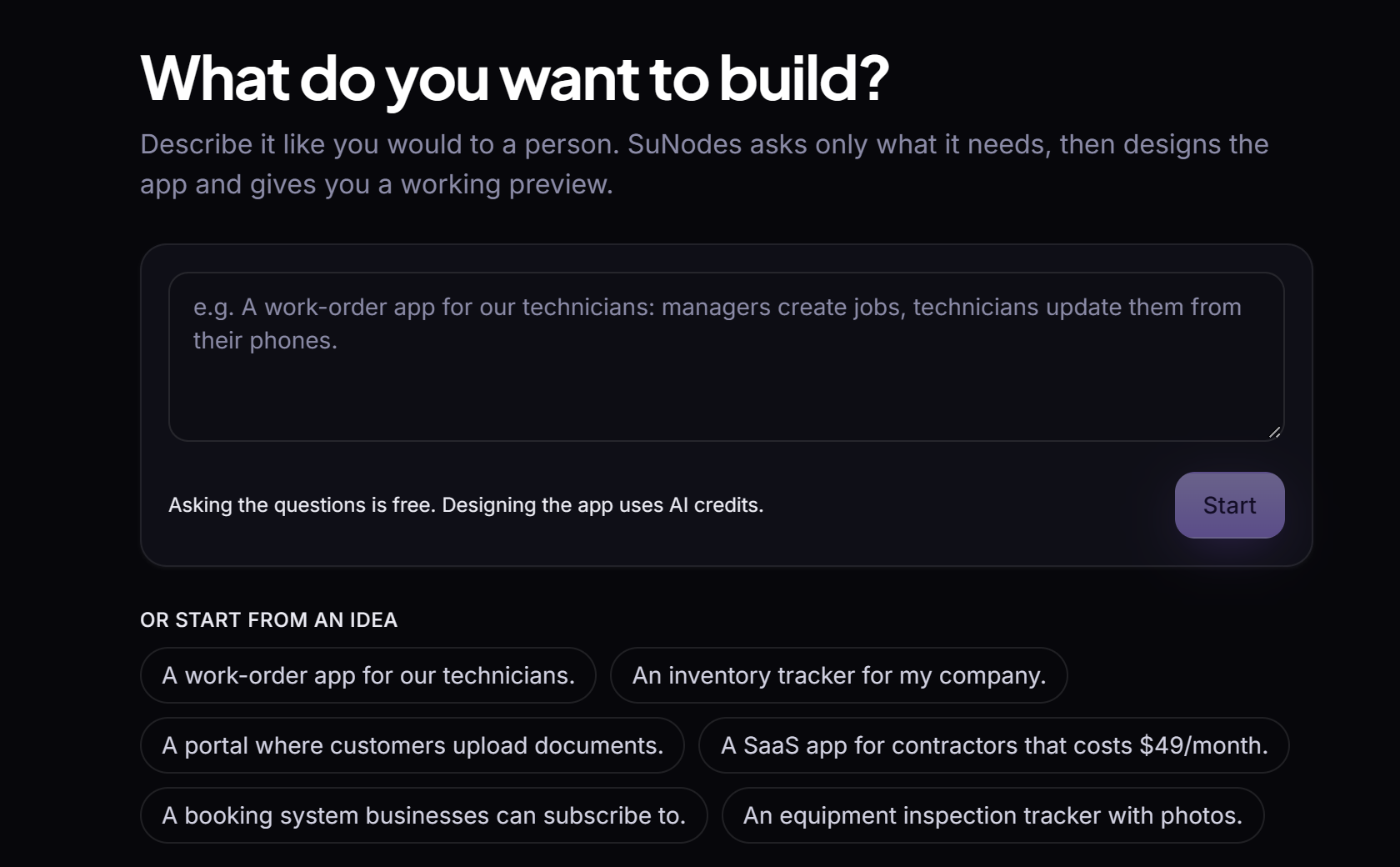
Describe it
“An app to track jobs, quotes and invoices for my landscaping crew.” That's enough to start.
Answer a few questions
Only the ones that change the app: who uses it, the key workflow, whether customers sign in.
Choose extras
SuNodes suggests a few additions that fit your app and what you've connected (photos on each job, a mileage log, emails that become requests). Pick some, or build without.
SuNodes plans and builds
In stages: purpose and users, data and roles, screens. Each stage is checked, and a reviewer looks for gaps before the first version is made, with sample data to try.
Review and change
Ask for changes in words. Anything that changes or removes what people use waits for your confirmation.
What apps can do
Built from proven building blocks
Apps are made from SuNodes's building blocks, not hand-written code, so every app gets the same permission checks, versions and rollbacks.
-
Build an app from a description
Describe the app. SuNodes asks a few questions, then plans it in stages (purpose and users, data and roles, screens), checks the design and builds a first version with sample data.
Limits: A build can fail and need another try; you review the result before anyone uses it.
-
Suggested extras
Before it builds, SuNodes suggests a few extras that fit your app and what you've connected. You choose them, or build without.
-
Records, workflows and roles
Lists, forms, records with files and comments, approval steps, calculated fields, dashboards, charts, import and export, and roles that decide who can see and change what.
-
Changes you review
Ask for a change in words. Safe changes go to the preview; anything that changes or removes what people use waits for your confirmation, and every version can be rolled back.
-
Emails become records
A team app can turn each email sent to a linked SuNodes Mail mailbox into a record.
-
Customer-facing apps
Apps for outside users, with their own sign-in, and paid plans through Stripe for apps you sell.
Limits: Emails an app sends its outside users (like receipts) aren't delivered: they're kept in the app's outbox in SuNodes.
Suggested extras
Suggestions that fit what you've connected
Before it builds, SuNodes looks at what you can actually use, like a signed-in phone, a connected mailbox or a connected service, and suggests a few extras that fit the app you described.
How suggestions work
- What you've already connected comes first, then what connecting something would unlock, then general improvements.
- Each one says whether it's ready or needs setting up, and what it won't do.
- Nothing is added until you choose it; "Build without extras" is always there.
- Choosing one never connects an account or turns on a permission.
Said plainly
- A mileage log is entered by hand: SuNodes doesn't track mileage automatically.
- App alerts appear in SuNodes notifications rather than on your phone.
- Apps can't use your phone's location or camera. Photos are added through the browser's own file picker.
Limitations
What to expect
Can I write my own code in an app?
No. Apps are built from SuNodes's building blocks (records, lists, forms, boards, calendars, charts, approvals, automations), which is what keeps every app checkable and reversible.
Can an app bring in data from other services?
Yes, through an AI agent that adds records on a schedule, using a service you've connected.
Who can use an app?
Your team, with the roles you give them, or your own customers for customer-facing apps, with their own sign-in.
Build the app your business runs on.
Describe it in a couple of sentences, and try the first version with sample data.